
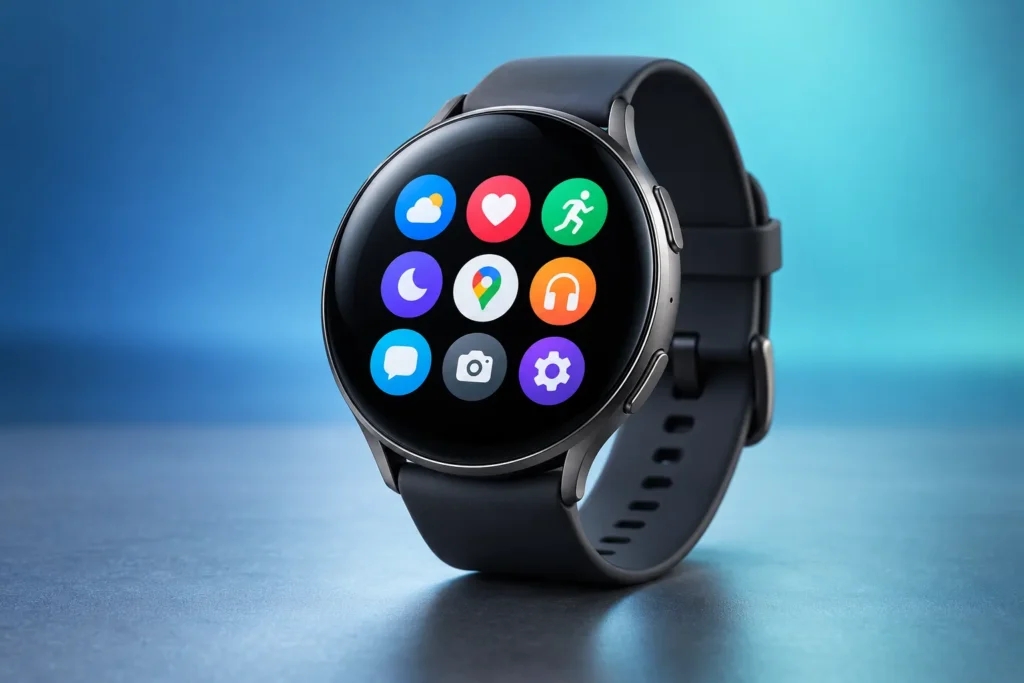
Your Wear OS watch is only as good as the apps you put on it. Whether you own a Samsung Galaxy Watch, a Google Pixel Watch, or another Wear OS model, the right apps turn your wrist into a tool for navigation, music, payments, fitness, and quick replies — often without touching your phone. Below are the best Wear OS apps worth installing in 2026, grouped by what they do, plus a quick note on which watches they run on.
Which watches run Wear OS?
Wear OS (Google’s smartwatch platform) powers the Samsung Galaxy Watch 4 and newer, the Google Pixel Watch lineup, and watches from brands like OnePlus, Mobvoi (TicWatch), and Montblanc. Most apps below work on Wear OS 3, 4, and 5. A handful of older apps don’t support the newest release, so it’s worth checking the Play Store listing on your watch before you rely on one.
Navigation and maps
Google Maps is the one app almost every Wear OS owner should install first. It gives you turn-by-turn walking and driving directions, saved places, and local business info right on your wrist — and it keeps navigating even when your phone is in your bag.
Outdooractive is the pick for hikers. You can download trail routes ahead of time and follow turn-by-turn trail navigation with distance and elevation tracking, no phone signal required.
Music and audio
Spotify brings your playlists to the watch, lets Premium users download tracks for offline listening, and doubles as a remote for music playing on other devices. Pair it with Bluetooth earbuds and you can leave the phone at home on a run.
YouTube Music offers the same offline-download convenience for anyone already inside Google’s ecosystem, with playlists and recommendations synced from your account.
Wear Casts fills the podcast gap — search for, download, and play episodes straight from the watch without your phone nearby.
Payments
Google Wallet turns your watch into a contactless payment device. Tap to pay at any terminal that accepts contactless cards, and store boarding passes, loyalty cards, and event tickets so they’re always on your wrist. On Samsung watches, Samsung Wallet does the same job with added support for Samsung Pay features.
Fitness and outdoors
Strava is the go-to for runners and cyclists who want to record routes, track pace and heart rate, and share activities with a community. The Wear OS app starts and controls workouts from the watch itself.
Google Fit and Samsung Health cover everyday activity tracking — steps, heart rate, sleep, and guided workouts — and come preinstalled on most watches, so they’re an easy baseline before you add anything else.
Productivity
Google Keep syncs your notes and checklists to the watch, so a grocery list or a quick reminder is always a glance away.
Bring! Grocery Shopping List manages multiple shopping lists in a clean, card-style layout that’s genuinely usable on a small screen.
Gboard adds swipe typing and smart word suggestions, which makes replying on a tiny keyboard far less painful — especially handy on Samsung watches.
Communication
Google Messages lets you read, reply to, and send texts — including voice messages — from your wrist, with your conversation history synced from your phone.
WhatsApp brings your chats and contacts to the watch, with both text and voice replies, so you can stay on top of group threads without pulling out your phone.
Weather and smart home
AccuWeather shows current conditions, RealFeel temperature, and rain alerts at a glance, and works as a watch-face complication too.
Google Home puts your thermostat, smart lights, and speakers one tap away, which is perfect for turning off the lights after you’re already in bed.
Customization
Facer opens up a huge library of free and premium watch faces so you can match your watch to your outfit or mood. Complications Suite goes further, adding useful watch-face widgets like countdowns, world clocks, and more.
How to install Wear OS apps
Open the Google Play Store directly on your watch, search for the app by name, and tap install — most apps now download straight to the watch without needing the phone. For a few older titles you’ll still install from the Play Store on your phone and the app syncs across automatically.
Finish the look with the right band
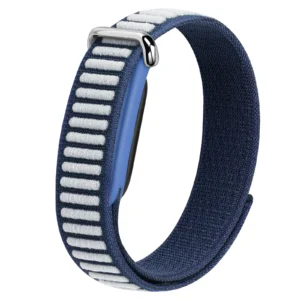
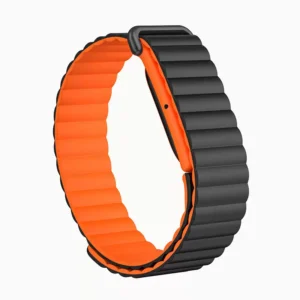
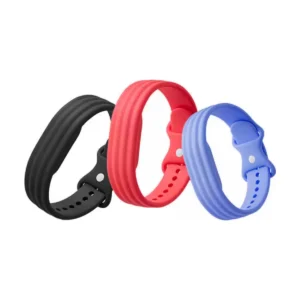
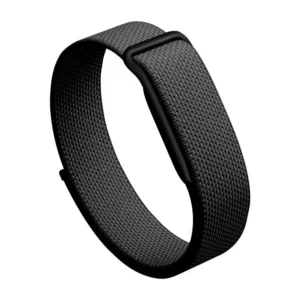
Great apps deserve a watch that feels like yours. If you’re running Wear OS on a Samsung Galaxy Watch, a fresh strap is the fastest upgrade — swap to a magnetic loop nylon braided band for everyday comfort, or a two-tone silicone sport strap for workouts. Browse the full range of Samsung Galaxy Watch bands to find your fit.
Frequently asked questions
Do Wear OS apps work without a phone? Many do. Apps like Google Maps, Spotify (with offline downloads), Google Wallet, and Wear Casts are built to run on the watch alone over Wi-Fi or LTE. Some still lean on the phone for setup or syncing.
Are these apps free? Most are free to install. A few, like some premium watch faces or Spotify’s offline downloads, need a paid subscription or a small one-time fee.
Will these run on my Samsung Galaxy Watch? Yes — the Galaxy Watch 4 and newer run Wear OS, so every app on this list is compatible. Always confirm on the Play Store listing if you’re on an older model.


Comments