
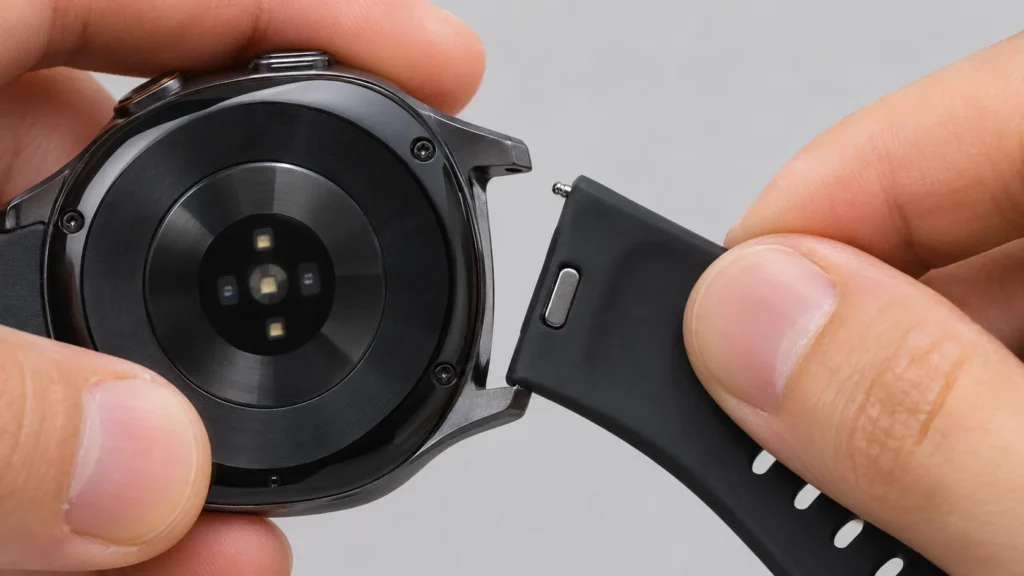
Swapping the band on a Samsung Galaxy Watch takes about ten seconds and needs no tools at all — once you know where the hidden release button is. This guide walks through removing your old band, clicking on a new one, choosing the right size, and what to do if a band feels stuck or a pin breaks. It applies to the Galaxy Watch 4, 5, 6, 7 and FE; the newer Watch 8 and the Watch Ultra use their own systems, which we flag below.
Quick answer: Turn the watch face-down, find the small spring-bar button on the back where the band meets the case, slide or press it, and lift the band away at a slight angle. To fit the new band, hook one side into the lug, press the button, and let the other side click in. Give it a firm tug to check it’s locked. No tools needed. Most Galaxy Watches use a standard 20mm quick-release band.
Before you start: which band system does your watch use?
Samsung has used more than one band mechanism, so check your model first:
- Galaxy Watch 4, 5, 6, 7 and FE — standard quick-release spring bars with a tool-free button. This is the method in this guide, and bands are interchangeable across all of these.
- Galaxy Watch 8 / 8 Classic — a newer dedicated attachment (a band-release button and reshaped lug) that is not backward compatible with older 20mm bands. The removal idea is the same (press and pull), but it only takes Watch 8 bands.
- Galaxy Watch Ultra — its own dedicated lug system that works only with Ultra bands. See our Galaxy Watch Ultra bands guide for options that fit it.
Two quick tips before you handle the watch: turn on Water Lock (or lock the screen) so you don’t trigger taps, and work over a soft cloth so the display doesn’t get scratched.
What size band fits a Samsung Galaxy Watch?
For the Galaxy Watch 4, 5, 6, 7 and FE the answer is 20mm — the same width across the 40mm, 42mm, 43mm, 44mm, 45mm, 46mm and 47mm case sizes, because only the case changes, not the fitting. That means a 20mm band from a Watch 4 fits a Watch 7, and so on.
Avoid 22mm bands (from the original 46mm Galaxy Watch or Gear S3) — they won’t seat properly. And you don’t need a “lug adapter” for a standard replacement: any 20mm quick-release band fits directly. If you want a band that sits flush with no gap at the round case, pick one described as curved-end or fitted. Browse the full Samsung Galaxy Watch bands collection for 20mm options.
How to remove your Galaxy Watch band
- Turn the watch face-down on a soft surface.
- Look at the back where the band meets the watch body. On the band’s spring bar you’ll see a tiny sliding button or tab.
- Slide the button toward the centre of the watch and hold it.
- While holding it, lift that end of the band away from the lug at a slight angle. It should release cleanly.
- Repeat for the band on the other side.
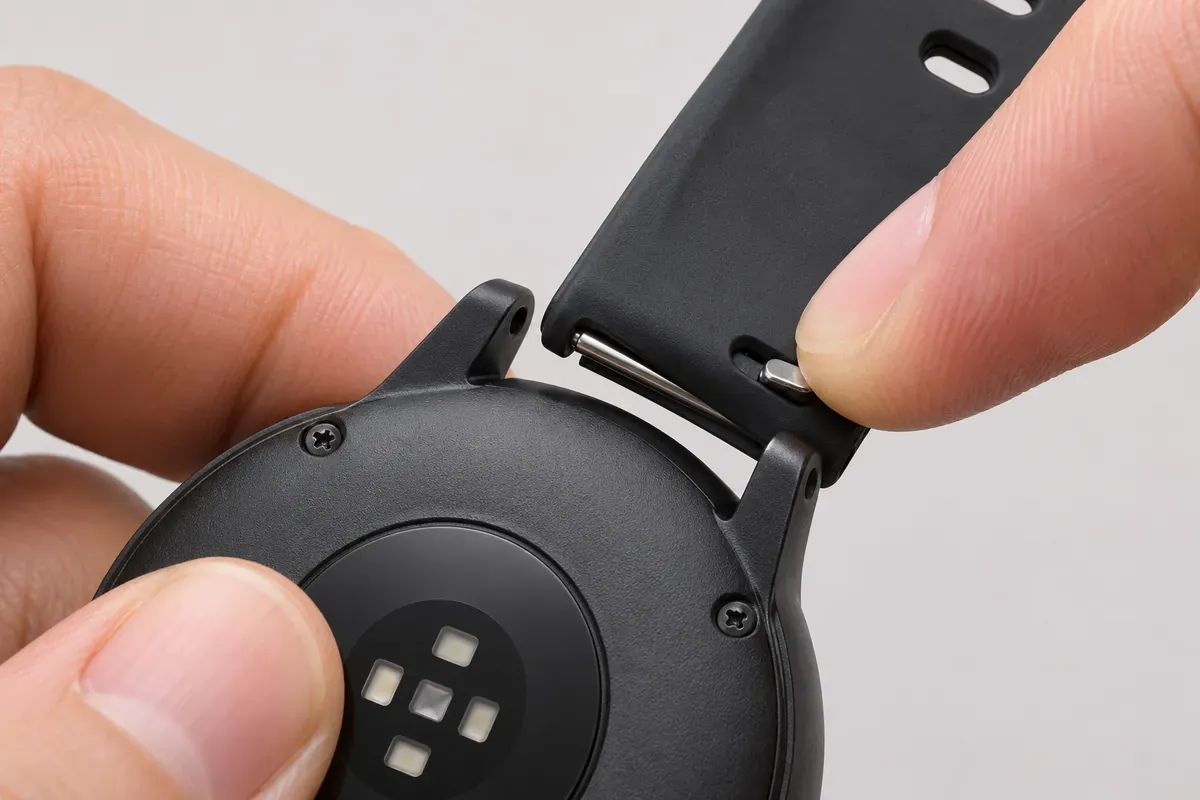
How to put on the new band
- Match the band halves to the watch — the end with the buckle or clasp usually goes on the top lug.
- Hook one side of the spring bar into its lug hole first.
- Slide the button in, press the band against the opposite lug, and release — it will click into place.
- Give the band a firm tug to confirm both sides are locked.
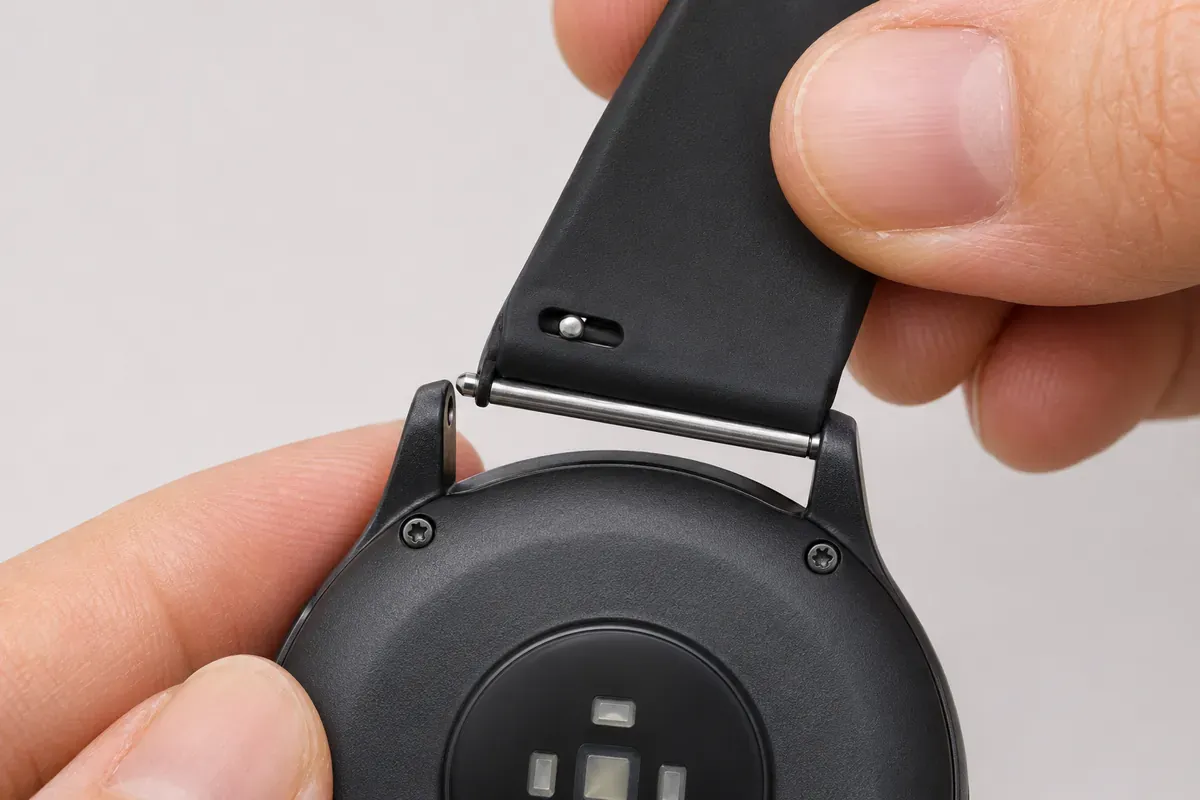
That’s the whole process. For a general walkthrough that covers other watch brands too, see our pillar guide on how to change a watch band.
Band won’t come off, or a pin is stuck or broken?
A few common snags — and the fixes owners actually use:
- The button won’t budge. Press firmly and squarely; a fingernail or thumbnail gives better grip than a fingertip. Make sure you’re sliding it toward the centre, not pulling outward.
- The band feels glued on. Lift at an angle rather than straight up, and wiggle gently — never pry against the case with a metal tool, which scratches the watch.
- A quick-release pin snapped. This is a cheap fix: the pins are standard 20mm spring bars. Pop in a replacement spring bar (sold in packs) or a new band — you don’t need a new watch or an official part.
- Still stuck on an official metal strap. Some metal bands hide the release under the strap; slide the fabric or links aside to reach the button.
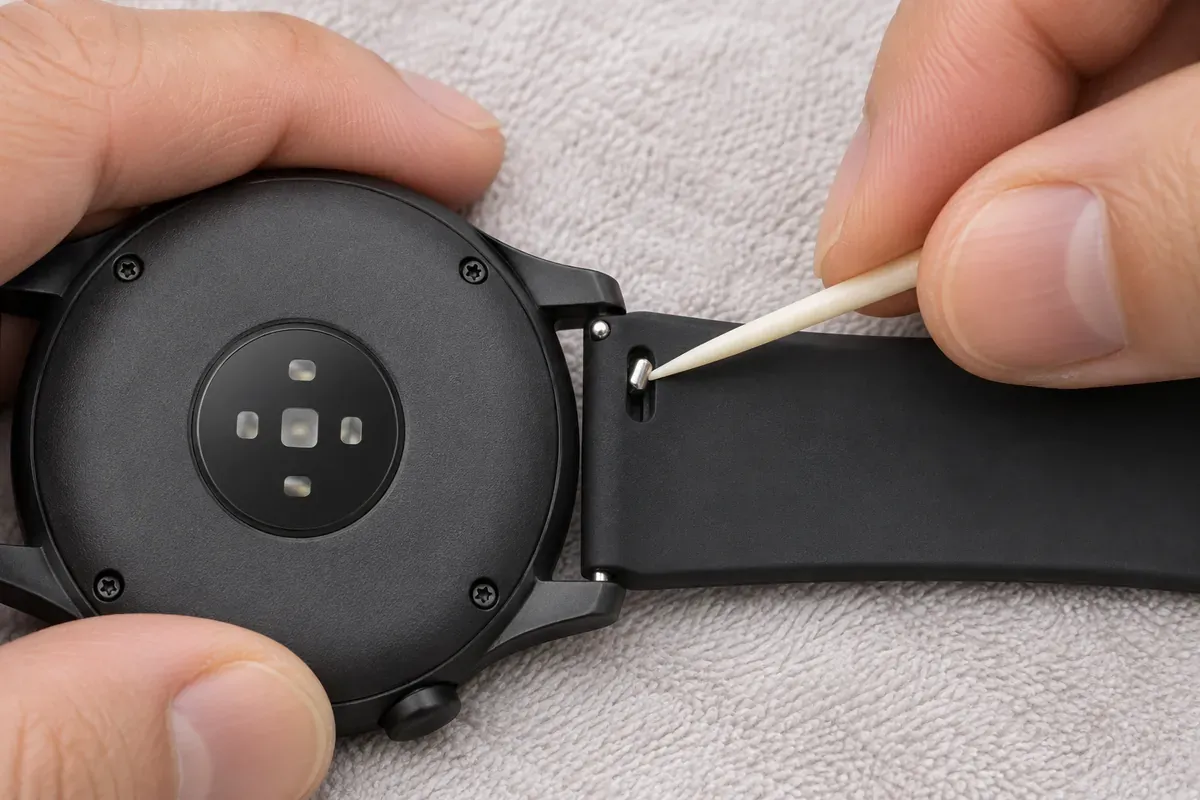
Getting the fit right
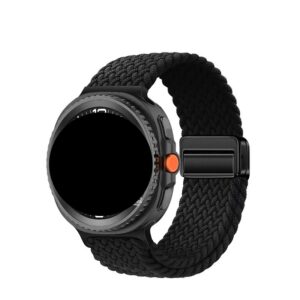
Once the new band is on, set it snug but breathing — you should be able to slide one finger underneath comfortably. Too tight can leave marks or feel numb after a few hours; too loose lets the watch slide and makes the heart-rate and SpO2 sensors misread. For workouts, tighten it slightly, then loosen for everyday wear. If you’re between holes, an adjustable option like our magnetic braided nylon loop cinches to any wrist with no fixed holes.
Ready to switch up the look? See our full guide to the best Samsung Galaxy Watch bands for silicone, nylon, leather and metal picks.
Frequently asked questions
Do I need a tool to change a Samsung Galaxy Watch band?
No. Galaxy Watch 4, 5, 6, 7 and FE bands use quick-release spring bars — slide the little button, lift the band off, and click the new one in. No spring-bar tool required.
Why is my stock Galaxy Watch band so hard to put on?
Almost always because it’s being pushed on straight. Hook one side of the spring bar into the lug first, then press the button and angle the other side in until it clicks — it goes on easily once seated at an angle.
What size band does my Galaxy Watch use?
20mm for the Galaxy Watch 4, 5, 6, 7 and FE. The Galaxy Watch 8 and Watch Ultra use their own dedicated bands, not 20mm.
Do I need a 22mm adapter or lug for third-party bands?
No. Standard 20mm quick-release bands fit directly — no adapter needed. A 22mm band simply won’t fit the Watch 4–7/FE, so always choose 20mm.
A quick-release pin on my band broke — what now?
Just replace the spring bar. The pins are standard 20mm spring bars sold cheaply in packs, or you can fit a whole new band. You don’t need an official Samsung part.
Will my Galaxy Watch 4 or 5 bands fit a Watch 6 or 7?
Yes. The Watch 4, 5, 6, 7 and FE all share the 20mm quick-release standard, so bands are interchangeable across them.
About this guide: the steps and fixes here draw on the real problems Galaxy Watch owners describe in communities such as r/GalaxyWatch, combined with hands-on experience of how Samsung’s quick-release bands remove and refit. Last updated November 2026.
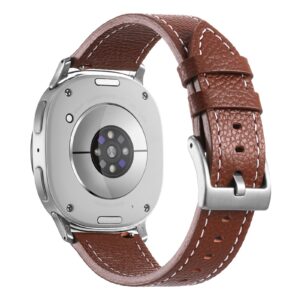
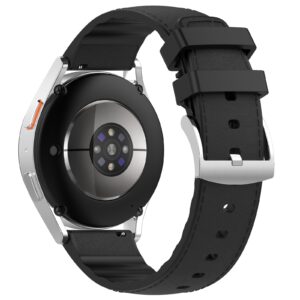
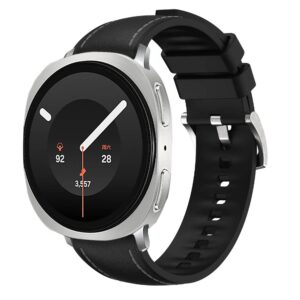
Shop the bands: hybrid leather and silicone band for Galaxy Watch 8 and 9, hybrid leather and silicone band for Galaxy Watch 4 to 7.

Comments